Statements
What this is
A statement is a fixed record of your stock at the warehouse for one closed period. It shows what you started with, what moved, and what you ended with. Each time the warehouse closes its books for a month, a new statement appears in the portal.
Use it to reconcile your own records, to answer your accounting team, and to keep an unchangeable month-end record for audits. The on-screen view and the PDF show the same numbers.
Before you start
-
Role: Supply Partner.
-
Settings: the warehouse chooses your cadence on your supply partner record:
- Monthly (the default): one statement per month.
- Quarterly: one statement per calendar quarter (Q1 to Q4), combining three months.
Ask the warehouse office if you'd like the other one.
-
You'll need: at least one period the warehouse has closed. The period the warehouse is still working in never appears here, because its numbers are still changing.
Step by step
-
Open Statements from the sidebar, under Reports.
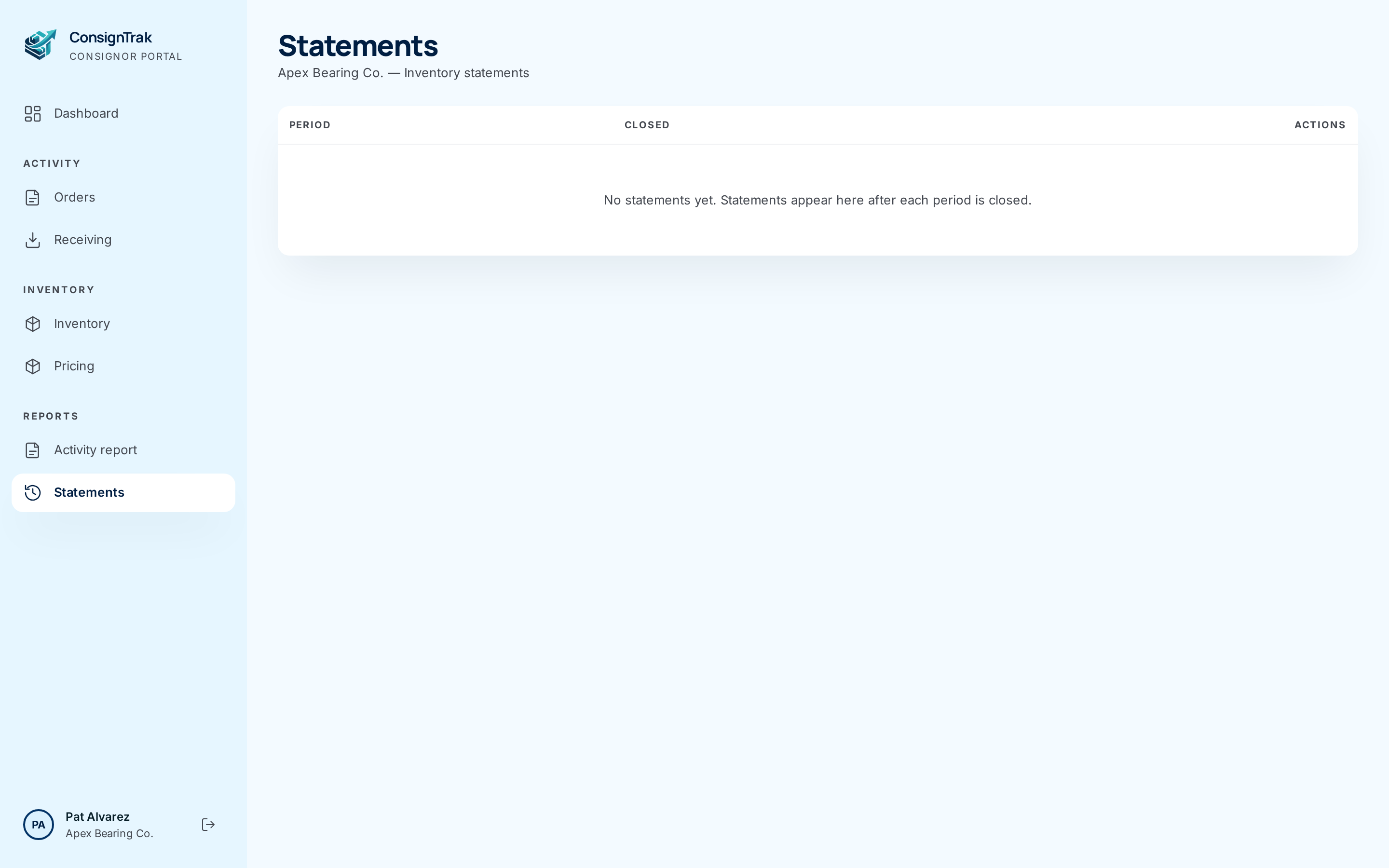
The demo used for this manual hasn't closed a period yet, so the list is empty. The rest of this page is described from the screens themselves.
-
Find the period. Each row shows the period's name (for example January 2026 or Q1 2026), its first and last day, and the date the warehouse Closed it. Newest is at the top. Your very first statement is marked Opening.
-
Choose View on the row.
-
Read the totals in the Totals box on the right:
- Opening: units you held at the start of the period.
- Δ: the change over the period. Green is up and red is down.
- Closing: units at the end of the period.
- Items: how many of your part numbers are on the statement.
-
Read the Activity box. It groups the period's stock movements, with how many there were and their net quantity:
Group What it counts Receipts Stock you sent that the warehouse received. Shipments Goods shipped to your customers. Adjustments Corrections the warehouse made (damage, found stock and so on). Transfers Moves between bins inside the warehouse. These usually net to zero. Returns Goods customers sent back. Cycle counts Corrections from the warehouse's routine stock counts. Prior corrections Fixes posted this period to a period that was already closed. See below. No activity during this period. means nothing moved.
-
Read the item table. Each row shows one part number's Opening, Δ and Closing quantities, 15 rows per page. Use the arrows and page numbers under it to page through. The Totals row at the bottom always covers every item, not just the page you're on. A Unit cost column appears if the warehouse shows prices in ConsignTrak.
-
Choose Download PDF for your records. Choose ← Back to statements to return to the list.
What's on the PDF
- Heading: warehouse name — Monthly Statement (or Quarterly Statement), Supply Partner: your name and manufacturer code, the period name and dates, and your logo if the warehouse has it.
- Opening balance: each item with Item, Qty and Unit cost. On your first statement it says No prior snapshot — this is the first statement for this supply partner.
- Activity during this period: each group with Category, Count and Net qty, or No movements recorded during this period. The groups are named in full here, for example Cycle-count corrections and Corrections from prior period.
- Closing balance: each item with Item, Qty and Unit cost, or No closing inventory — all stock cleared by the end of the period.
- Footer on every page: Statement closed followed by the date and time (in UTC), then who closed it. That's Closed by and a name, or Closed automatically (system). Then Page X of Y.
The PDF always prints the Unit cost column, even when the on-screen view hides prices (issue #1536). A dash means no cost is recorded for that item.
Every field and option
Statements list
| Field or control | What it means | Required | Default | What changes when you set it |
|---|---|---|---|---|
| Statements (title), company — Inventory statements | Your company. | — | — | Read-only. |
| Period | The period name and its first and last day. Opening marks your first statement. | — | — | Read-only. |
| Closed | The date the warehouse closed the period. | — | — | Read-only. |
| Actions: View | Opens the statement. | — | — | Opens the statement page. |
| No statements yet. Statements appear here after each period is closed. | No closed period yet. | — | — | Read-only. |
Statement page
| Field or control | What it means | Required | Default | What changes when you set it |
|---|---|---|---|---|
| Statements breadcrumb | Back to the list. | — | — | Leaves the page. |
| Period name (title), dates, Closed date | Which statement this is. | — | — | Read-only. |
| Download PDF | Downloads the statement as a PDF. | — | — | Downloads a file. Nothing in ConsignTrak changes. |
| Item, Opening, Δ, Closing | Each part number's quantity at the start and end of the period, and the change. | — | — | Read-only. |
| Unit cost | The item's recorded cost. Shown only when the warehouse shows prices. | — | — | Read-only. |
| Totals (N items) row | Totals across every item on the statement. | — | — | Read-only. |
| Page arrows and numbers | Page through the items, 15 at a time, without leaving the page. | — | Page 1 | Shows another page of items. |
| Totals box: Opening, Δ, Closing, Items | The statement's headline numbers. | — | — | Read-only. |
| Activity box | The period's movements by group, as count and net quantity. | — | — | Read-only. |
| ← Back to statements | Back to the list. | — | — | Leaves the page. |
What happens next
- Nothing changes when you view or download a statement. The warehouse's audit log records the download.
- A statement never changes after it's closed. Download it today or in five years and you get the same file, identical byte for byte. The date in the footer is when the period was closed, not when you downloaded it.
- This statement's Closing is next statement's Opening. They always match. A difference would mean stock appeared or disappeared without a record, and ConsignTrak is built so that can't happen.
Corrections from prior period
Sometimes the warehouse finds a mistake after a period has closed. It might be a receipt entered late, or a count that turned up a variance. The closed statement isn't edited, because then it wouldn't match the copy you already filed. Instead, the warehouse posts the fix in the current open period, noting which month it corrects. It appears on that period's statement under Prior corrections. When your records and a statement disagree, look there first.
Statements and the audit chain
Every stock movement for your company is written to a tamper-evident audit chain: each entry carries a fingerprint of the one before it. Nobody, not even the warehouse, can quietly edit or delete a past movement without breaking every fingerprint after it. The statement is built from those movements when the period closes. That's why it can promise the same numbers forever.
The PDF doesn't print a chain fingerprint. Its footer line, Statement closed … — Closed by …, tells you only when the period was closed and by whom. To hold your own proof:
- Ask the warehouse office for your Audit Chain Anchor when you file a statement. It's an entry number and a long code.
- Keep it with that statement's PDF.
- If you ever question your history, send the anchor back and ask the warehouse to verify it. If the codes still match, nothing up to that entry has been changed.
There's no way to see the anchor in the portal yet (issue #1536). The office side of this is described in History and the audit-chain anchor.
Your goods are on someone else's floor. The statement and the anchor together give you proof you can keep yourself, instead of taking the warehouse's word for it. That's useful for ISO 9001 audits, tax audits and disputes.
Common problems
The list is empty. The warehouse hasn't closed a period yet. Statements appear after each close.
This month isn't listed. The current month is still open. Its statement appears once the warehouse closes it.
I'm on quarterly statements, but the quarter isn't listed. A quarter appears only when all three of its months are closed. If your first month at the warehouse was partway through a quarter, that first quarter doesn't appear (issue #1536). Ask the warehouse office for it.
A statement shows "404 page not found". That period had no stock and no movements for you, or the link is wrong. Go back to the list.
My numbers don't match. Check that:
- you're comparing the same dates, for example 1 to 28 February;
- you're comparing one statement's Closing with the next statement's Opening;
- you've included any Prior corrections on the current statement.
If it still doesn't match, contact the warehouse office with the period and the part numbers. They can go through the movements for those items line by line.