Units of measure
What this is
Every quantity in ConsignTrak — on an item, an order line, a receiving line — is counted in a unit of measure: each, box, carton, linear foot and so on. This page is the read-only list of the unit codes ConsignTrak recognises, so office staff can check the right code before choosing it on an item. There is nothing to edit here; the list is maintained as part of ConsignTrak itself.
Before you start
- Role: anyone who can sign in. Office and Administrator users use it most, when adding or editing items.
- Settings: none.
- You'll need: nothing — it's a lookup.
Step by step
-
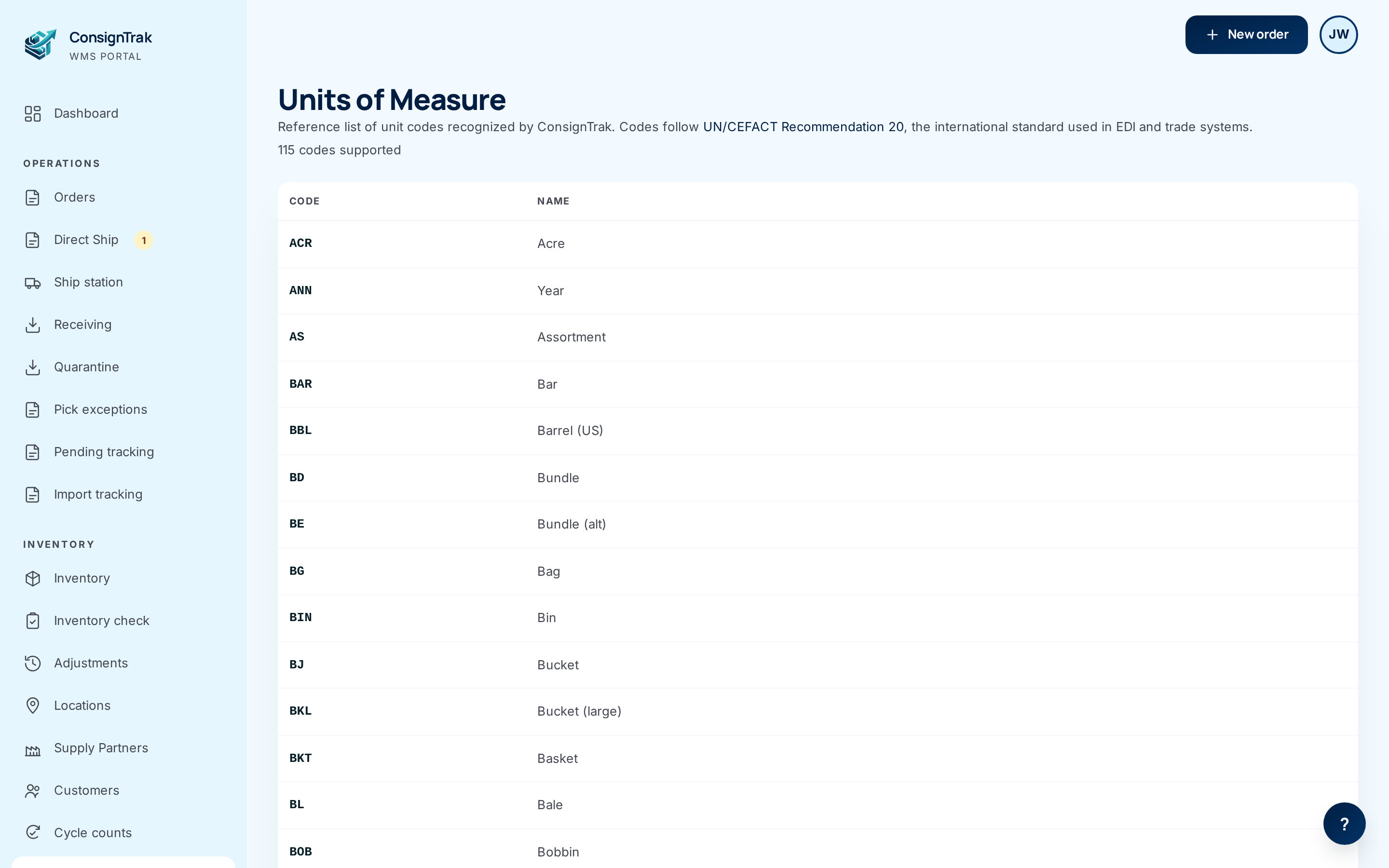
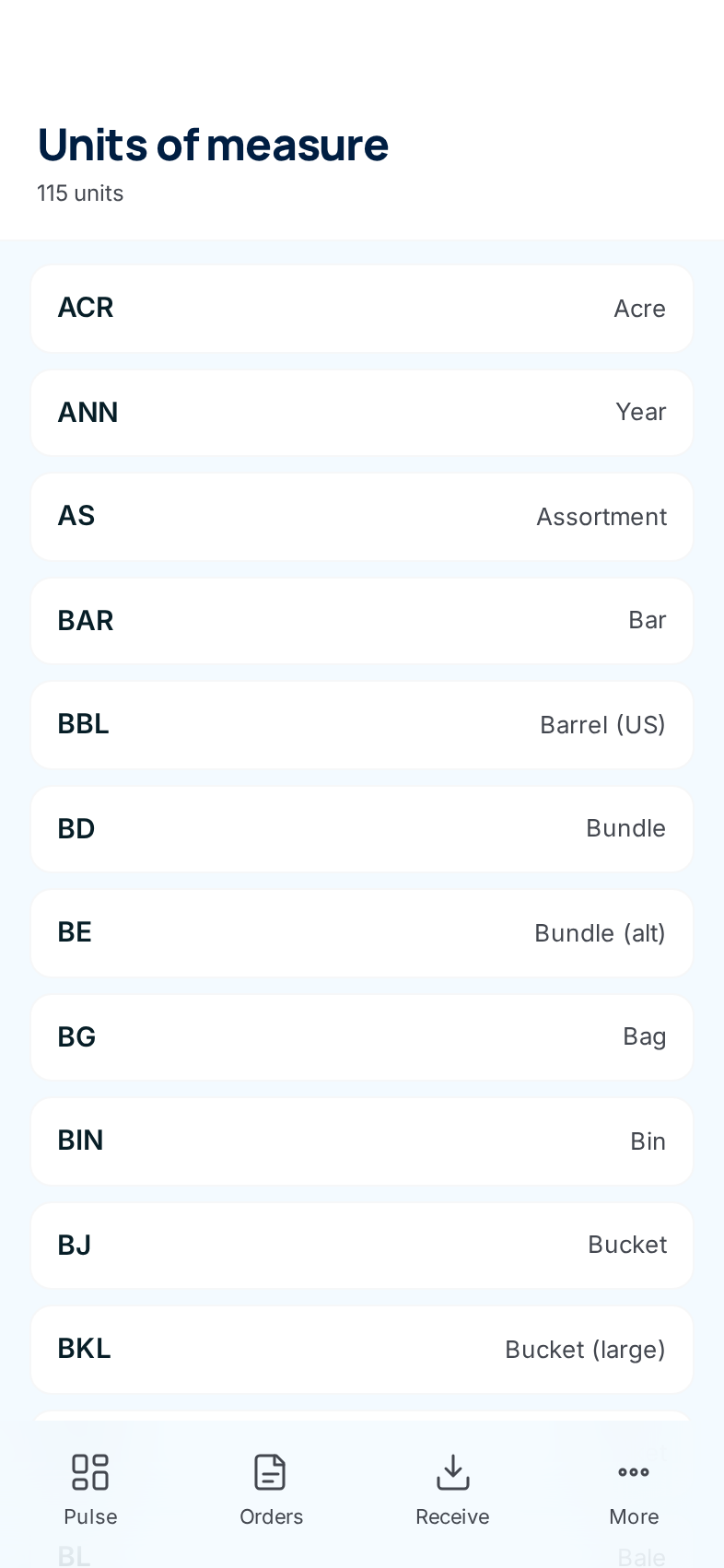
Open Units of measure from the Inventory section of the sidebar. On a phone, it's under More.
-
Find the unit you need. Codes are two or three letters; the name beside each one says what it means. The count under the title tells you how many codes there are.
-
Use the code exactly as shown when you set an item's unit of measure (see Inventory & items).
Every field and option
| Field or control | What it means | Required | Default | What changes when you set it |
|---|---|---|---|---|
| Code | The unit's short code — two or three letters from the international UN/CEFACT standard used in trade documents. This is what's stored on items and printed on releases. | — | — | Nothing here; it's read-only. |
| Name | The plain-English meaning of the code ("Each", "Box"). | — | — | Read-only. |
| N codes supported / N units | How many codes the list holds. | — | — | Read-only. |
| UN/CEFACT Recommendation 20 (link) | Opens the international standard the codes come from, in a new tab. | — | — | Leaves ConsignTrak. |
There are no buttons, filters or forms on this page.
What happens next
Nothing changes when you view this list. The codes matter elsewhere:
- An item's unit of measure is chosen from these codes when the item is created or edited. Items default to EA (each) when none is chosen.
- The code prints on releases and appears on receiving and order lines.
If a supply partner counts something in a unit that isn't on the list (say "per 100"), pick the closest standard code and put the detail in the item description. New codes are added to ConsignTrak itself, not by users.
Common problems
The unit I need isn't listed. — Use the closest code and note the detail in the item description (see the tip above). If a code is genuinely missing from the standard set, ask your administrator to request it.
I can't edit anything. — Correct; this list is reference-only.
Watch the video
No episode covers this page yet. It's a two-minute topic that fits the proposed B16 — Documents & attachments, and units of measure.